Raise your own pet
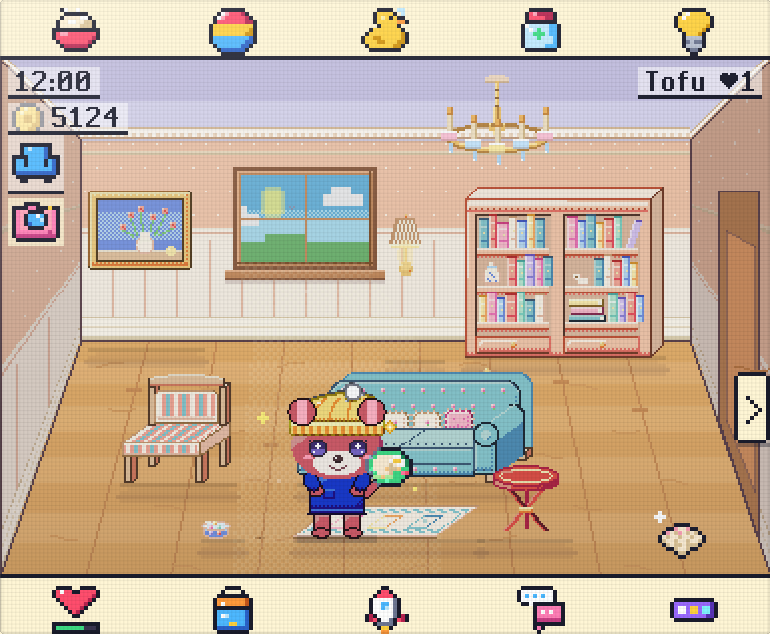
Feed it, play with it, tuck it in at night. How you care for it decides who it grows up to be.
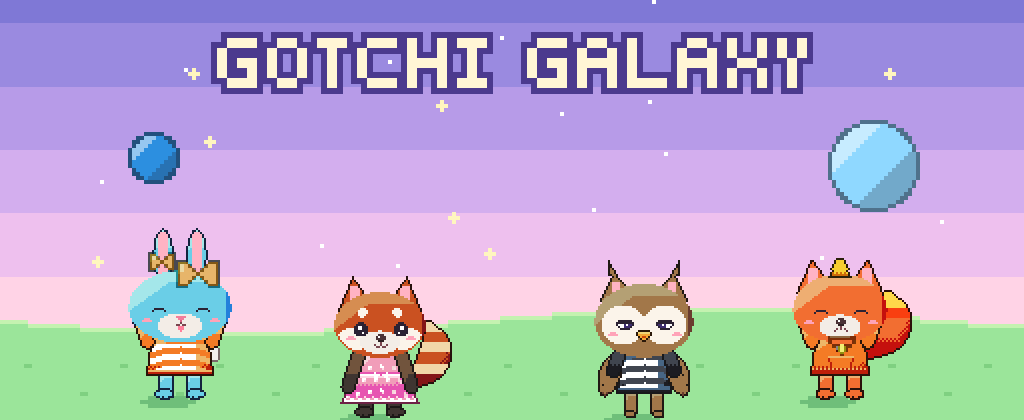
Remember the little egg-shaped pet that beeped from your keychain? It's back, with pets to raise, families to grow and a whole galaxy to explore.
Coming soon to the App Store and Google Play.
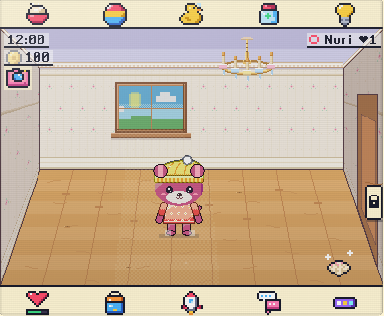
Every picture here is the real game, straight from the screen.
Feed it, play with it, tuck it in at night. How you care for it decides who it grows up to be.
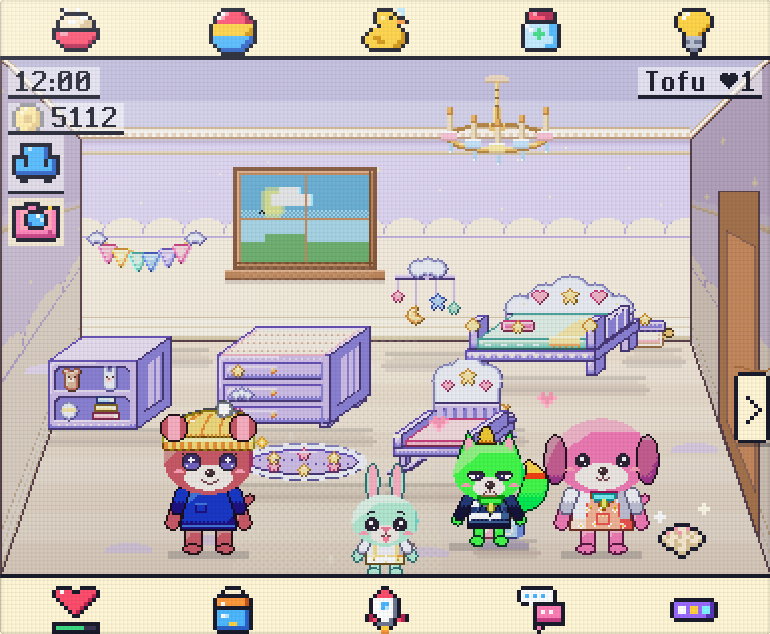
Pets carry real genes for ears, eyes, tails, wings and colours. Some are hidden, some rare and shiny.
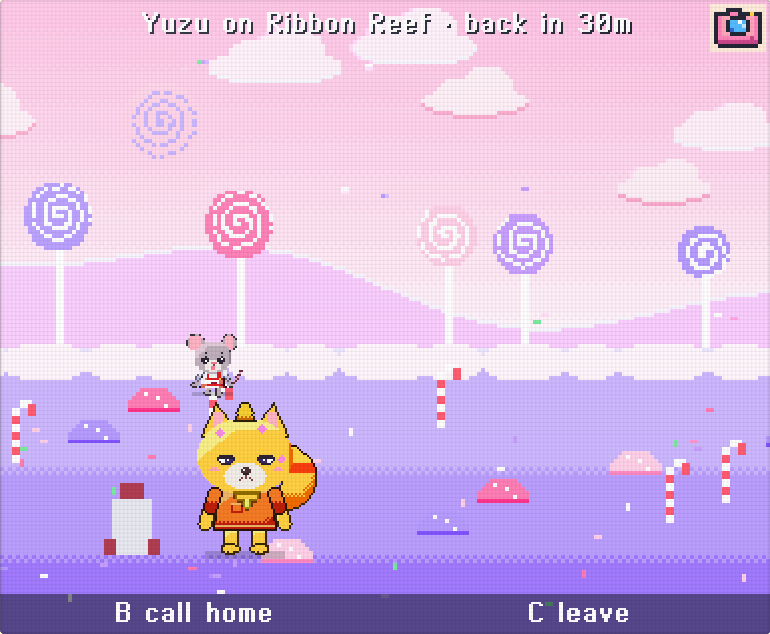
Send a pet on a trip into space and welcome it home with souvenirs, eggs and stories.
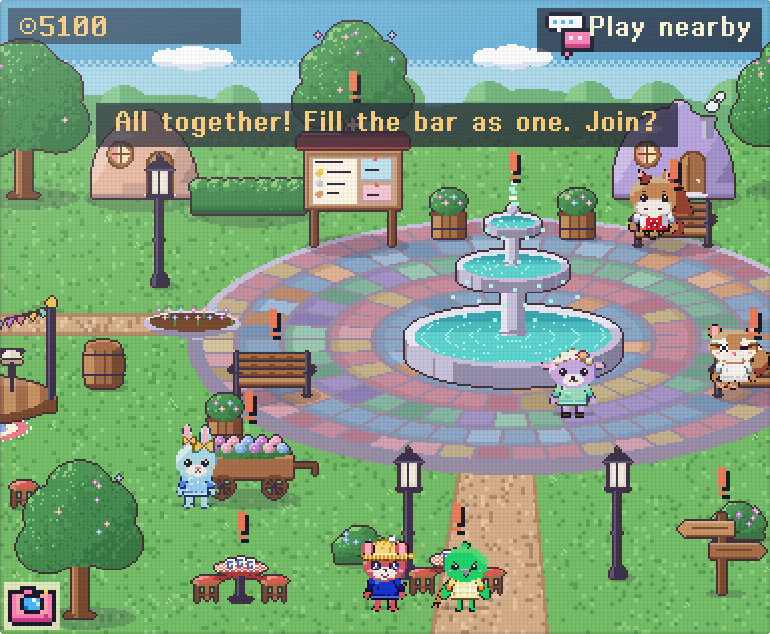
Walk the town square, make friends, visit each other's rooms and send gifts.
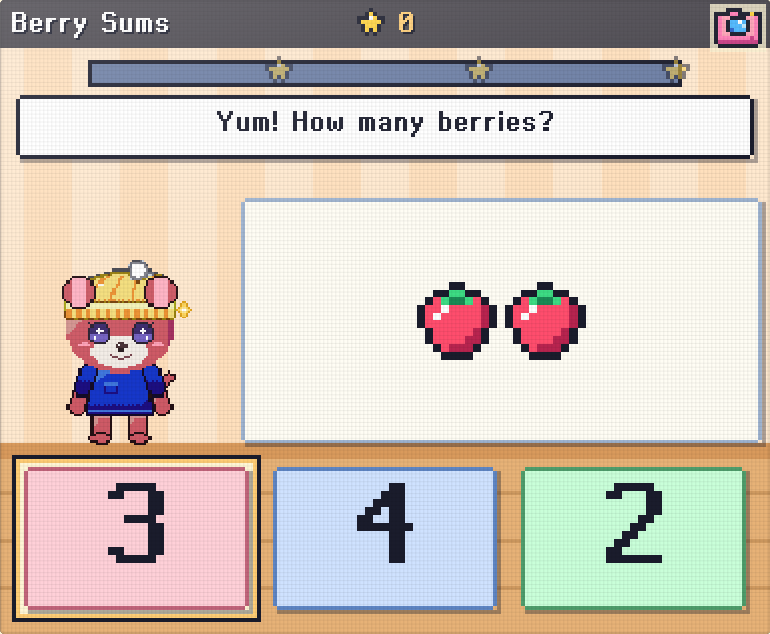
Gentle games for young children where nobody loses, and more for older players.
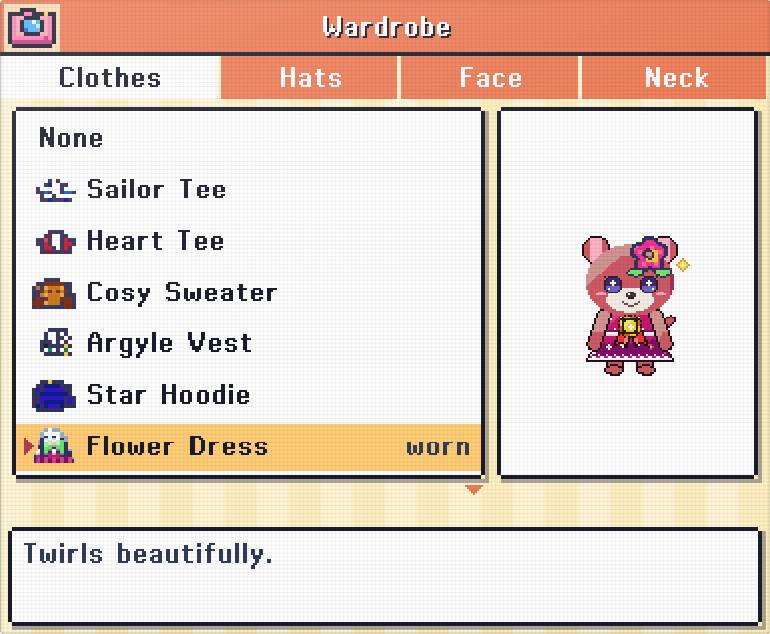
Hats, outfits and furniture sets for your rooms and garden.
Grew up with a little pet on your keychain? Gotchi Galaxy is made for you too. It beeps when it calls you, sulks when you forget it for days and greets you when you come back, just like it used to, with a whole galaxy behind it.
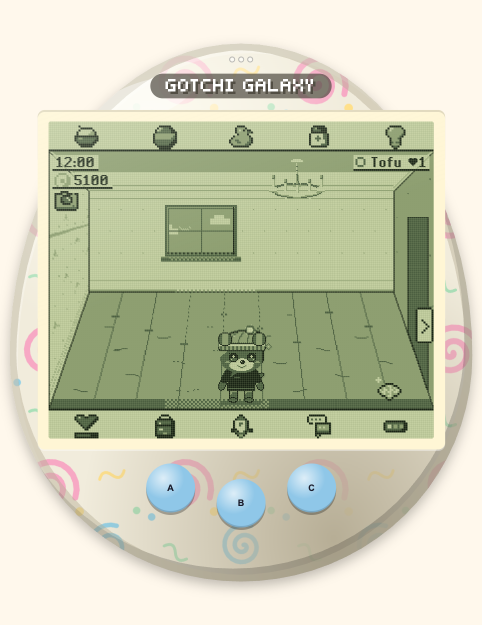
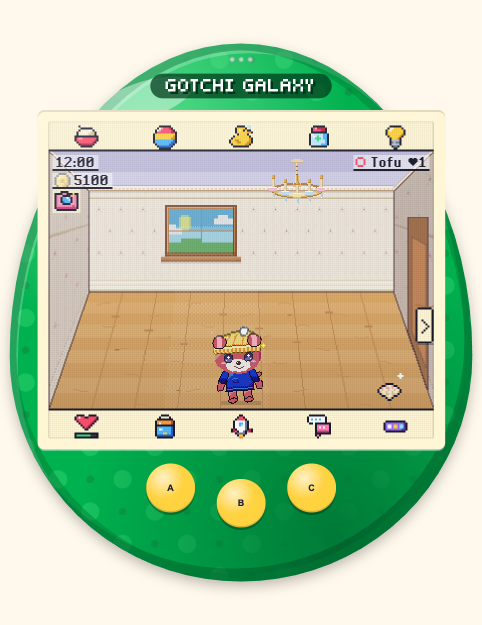
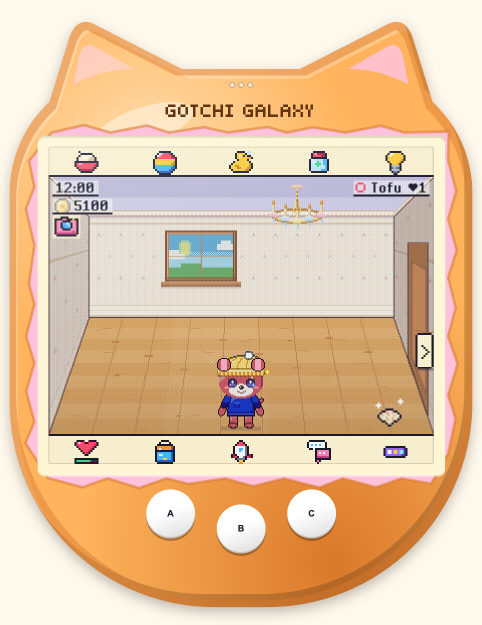
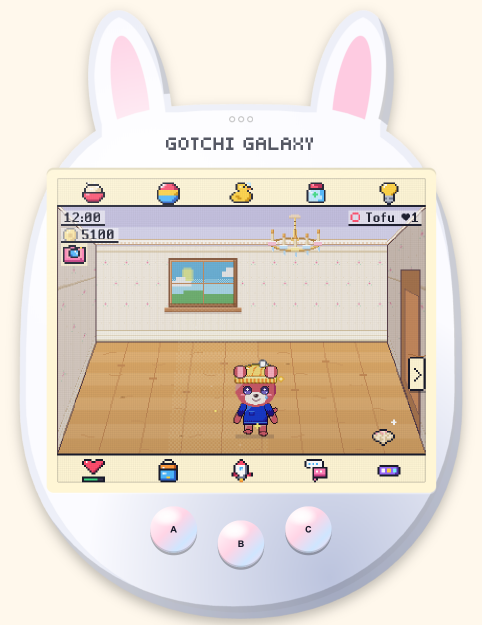
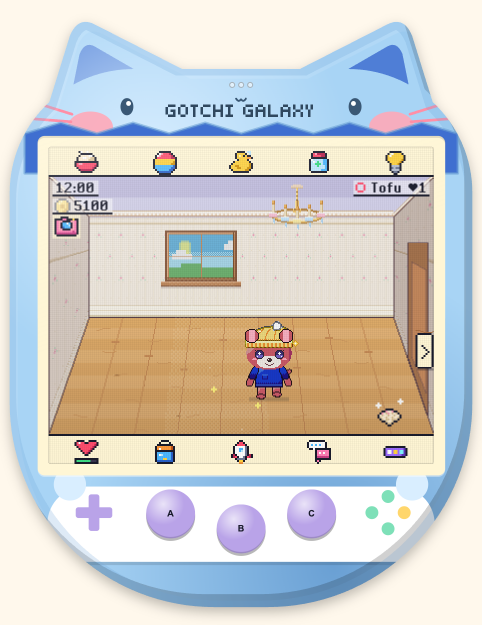
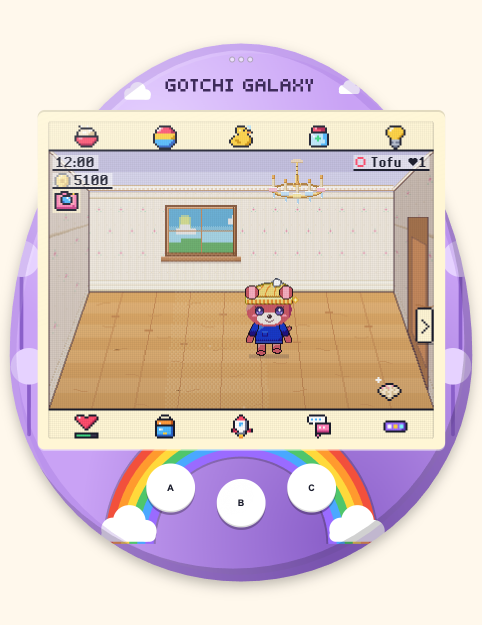
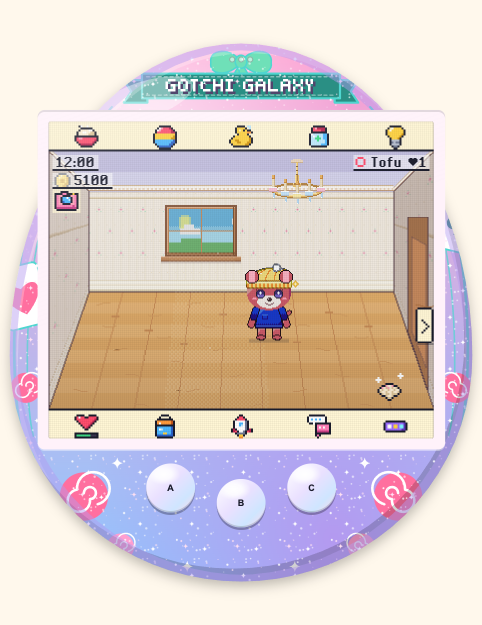
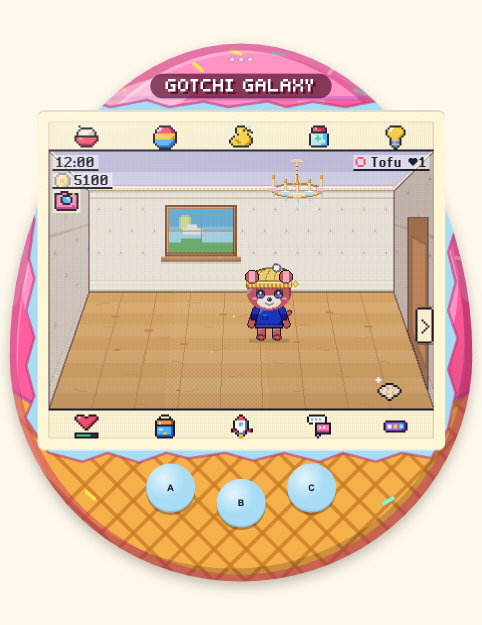
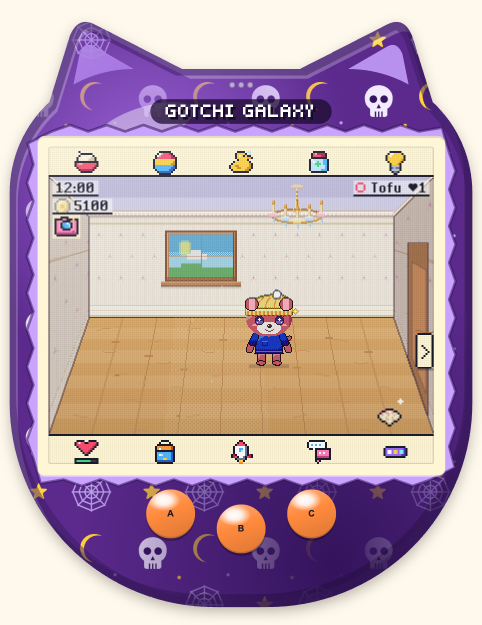
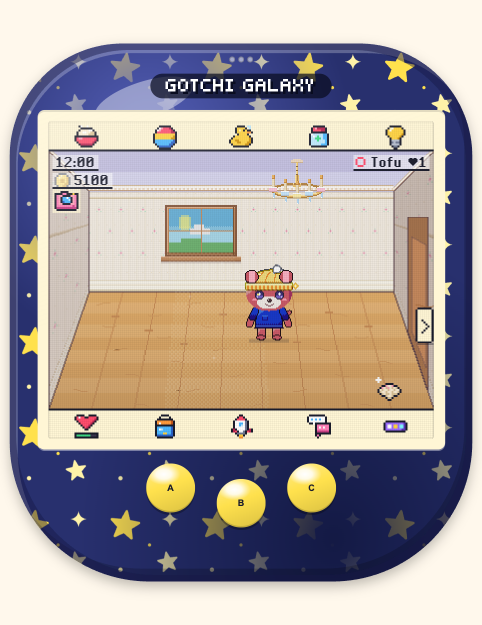
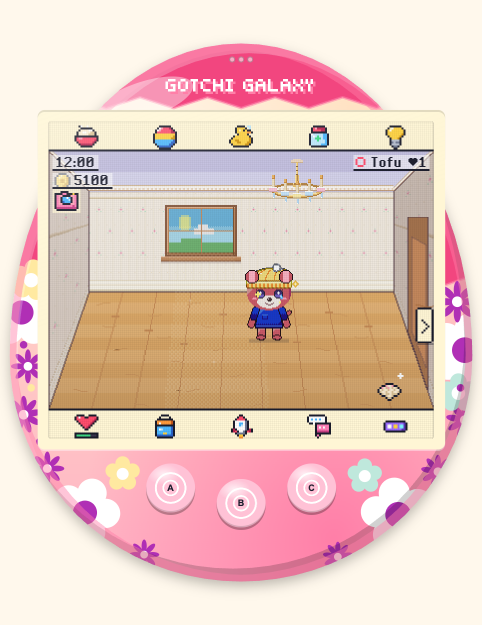
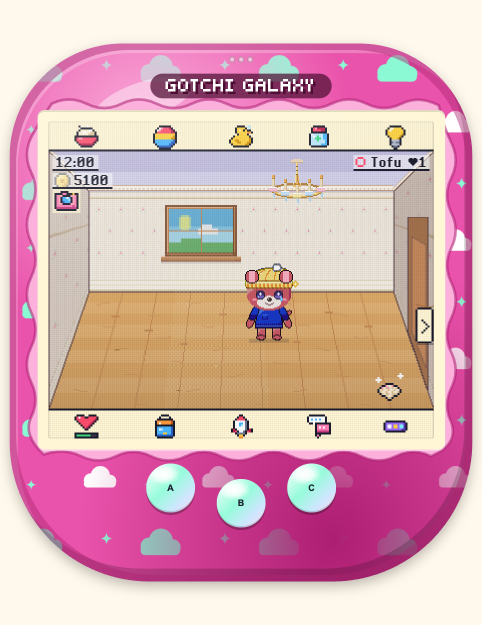
New to Gotchi Galaxy? Here is everything you need to get started. Button names are shown like this.
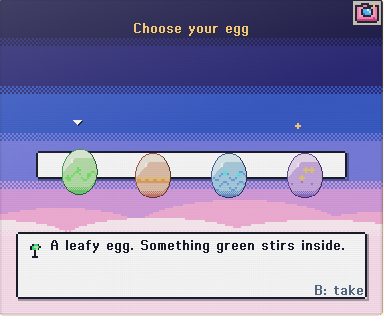
Pick one of four eggs: leafy, flame, splash or spark (spark is the rare one). Then type your name. There is no login and no account.
Keep the game open for about 3 minutes. Tap the egg to hear how close it is, then give your new pet a name.
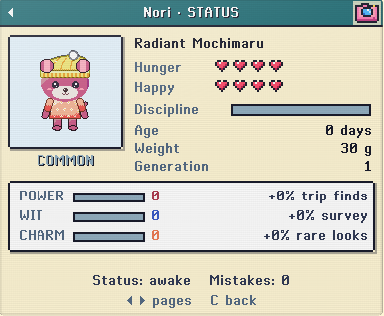
The top row is Feed, Play, Clean, Medicine and Lights. Tap the heart at the bottom to see your pet's Hunger and Happy hearts.
A blinking icon means your pet needs something. Tap it and help. Sometimes a pet calls just for attention: if its hearts are full, choose Scold to teach it gently. A missed call makes it a little sad, but pets never die.
Pets sleep from 22:00 to 07:00 (change it in Settings), and your pet stops growing while it sleeps. Turn the Lights off when your pet nods off. Going away? Switch on Holiday mode for 3, 7 or 14 days.
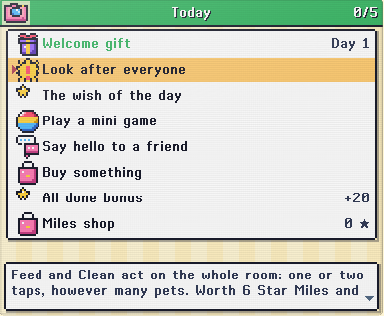
Play mini games, pick up the Free coin in the Shop each day, and tick off the Daily list in the menu. A full list pays about 100 coins.
Your pet is a baby for about an hour of play, then a child, a teen and a grown-up after a few days. Growing only counts while the game is open and your pet is awake. Good care makes a bright, happy grown-up.
In Customize you'll find the Wardrobe, Room Decor and the look of your little device. Once your pet is a child, the rocket button sends it to explore new planets.
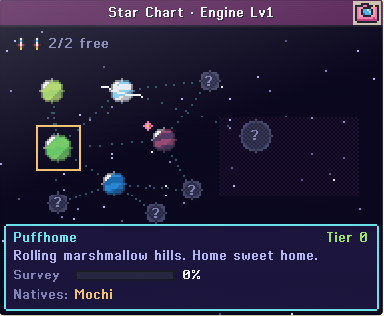
Two grown-up pets can have an egg together. The baby gets a mix of both parents' looks, and sometimes a rare surprise.
Both pets need to be adults with Bond Lv3 (bond level 3, shown on their profile). Bond grows with daily care, petting and play. Pets from the same family can't pair up.
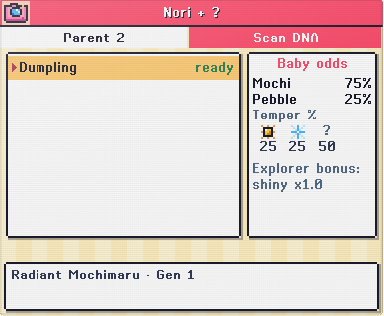
Open the menu and choose Love Lab. Pick Parent 1, then a Parent 2 marked "ready". If a pet is greyed out, the game tells you why (resting, too young, family).
Before you choose, the Baby odds box shows which kind of pet the baby may be and its chance of each temper (its personality). Scan both parents with a DNA Scanner to also see rare and shiny chances.
A Stardust Charm or Comet Shard makes rare looks more likely. Or pick No catalyst: just love.
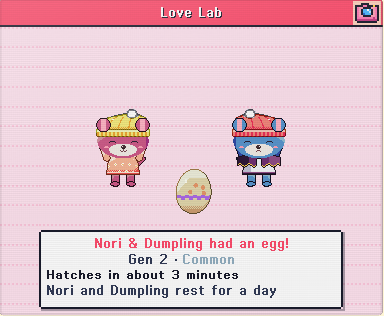
After the little heart scene, your egg arrives and hatches in about 3 minutes of play. Both parents rest for a day. Your home holds 4 pets; when it's full, the egg waits in the Lodge.
Families are only made between friends. Add a friend on the same Wi-Fi or with a friend code, then choose Start a family. When they say yes in their Mailbox, you each get your own egg from both parents: the babies are brother and sister.
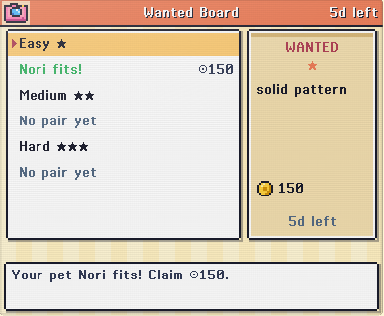
Every Monday the Wanted Board puts up three posters asking for pets with certain looks. They pay coins and catalysts, and your pet stays yours. The Best pair row tells you which two pets to try.
Every look (ears, eyes, tail, wings, pattern, colours, temper) comes in two copies, one from each parent. The stronger copy shows and the other one waits quietly. Rare looks are quiet copies, so a baby only shows one when it gets the same rare copy from both parents.
Pick two pets and see what their babies and grandbabies could look like. Every pet here is drawn live by the game itself, and every press brings a new litter.
Yes. There are no ads, ever. Later, phones may offer optional extras, always behind a grown-up check, and nothing you buy changes leaderboards, duels or breeding odds.
Not at all. Kids get gentle games, parents get the grown-up settings, and grown-ups get the pocket pet they remember: 100+ device shells, a Classic LCD screen, deep breeding with rare and shiny looks, and no ads.
No. A grown-up pet can retire with a last wish, or find a new home through the Adoption Lounge. If you are away, Holiday mode keeps everyone safe.
There is no account and no login, and no chat: players greet each other with ready-made messages and stickers only. Families are only made between friends. Grown-up settings set a daily play limit, quiet hours and school hours, and can switch off the anonymous usage counts. The privacy policy lists everything the game sends.
On your own device. In the browser version it lives in the browser, so play in the same browser each time.
Write to support@gotchigalaxy.app. Your friend code (on the Friends screen) helps us find your island.